Related Docs
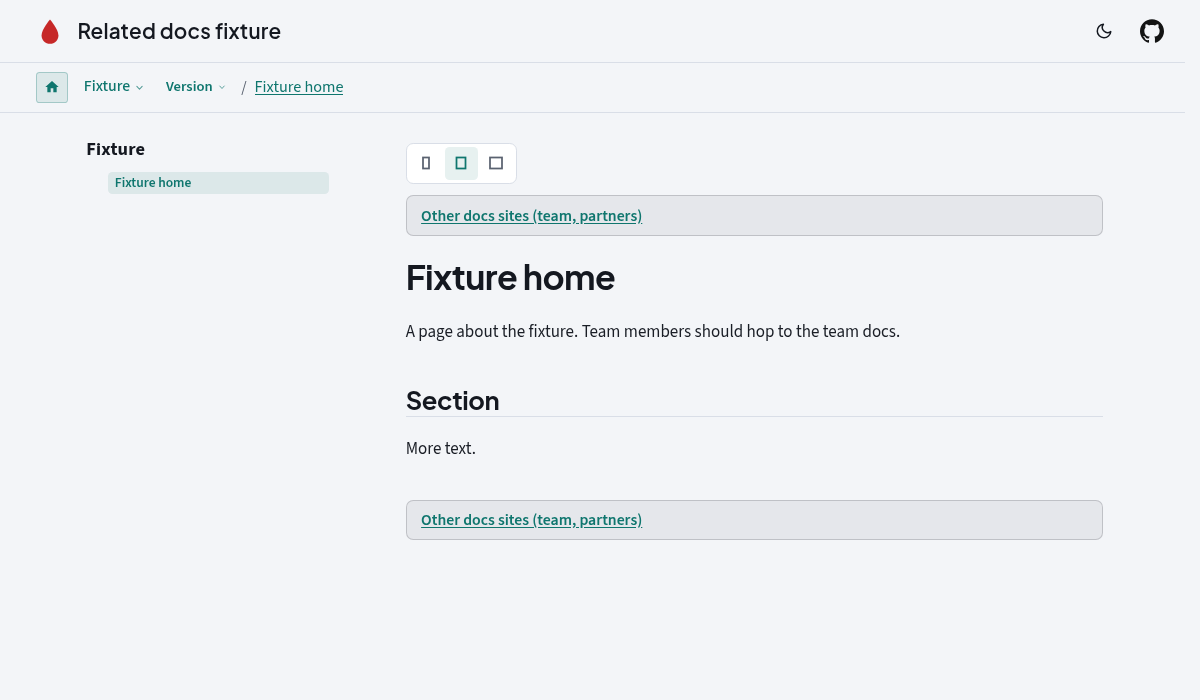
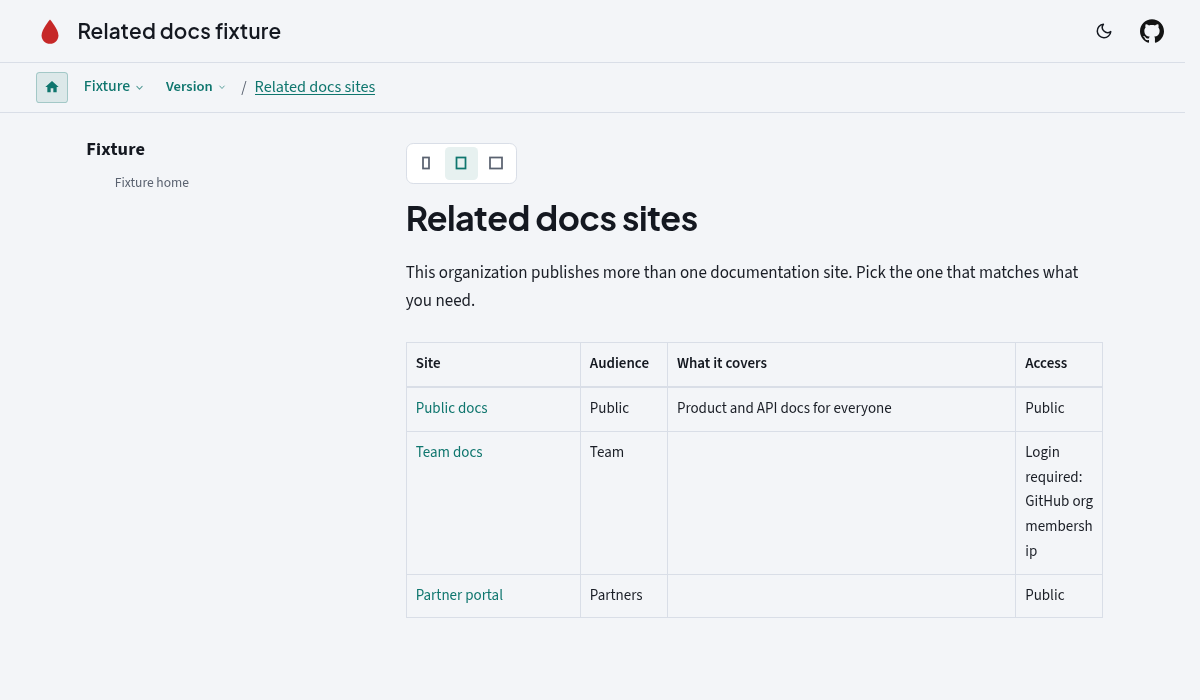
Related Docs adds a slim "other docs sites" link to every page and generates a registry page listing each site your org publishes, so a new developer on the public hub can find the team docs.
Configure
antora:
  extensions:
    - require: '@antora-supplemental/related-docs'
      label: Team docs (members only)
      sites:
        - name: Team docs
          url: https://team.docs.example.com
          audience: team
          requires_login: true
Each site takes name, url, audience, description, requires_login and login_note. top and footer toggle the two placements independently.
Say "no other sites" explicitly
    - require: '@antora-supplemental/related-docs'
      sites: none
sites: none hides the element, skips the registry page and logs nothing. Leaving sites out also hides the element but logs one info hint, so a missing config never breaks a build yet still gets noticed.
Generated registry page
The page lands at <component>::related-docs.adoc, where the component defaults to the site.start_page component. Change it with index: { component, module, path, title, intro }, or turn it off with index: false and point link_url somewhere else.
Full reference
See the README configuration tableunchecked.